Home
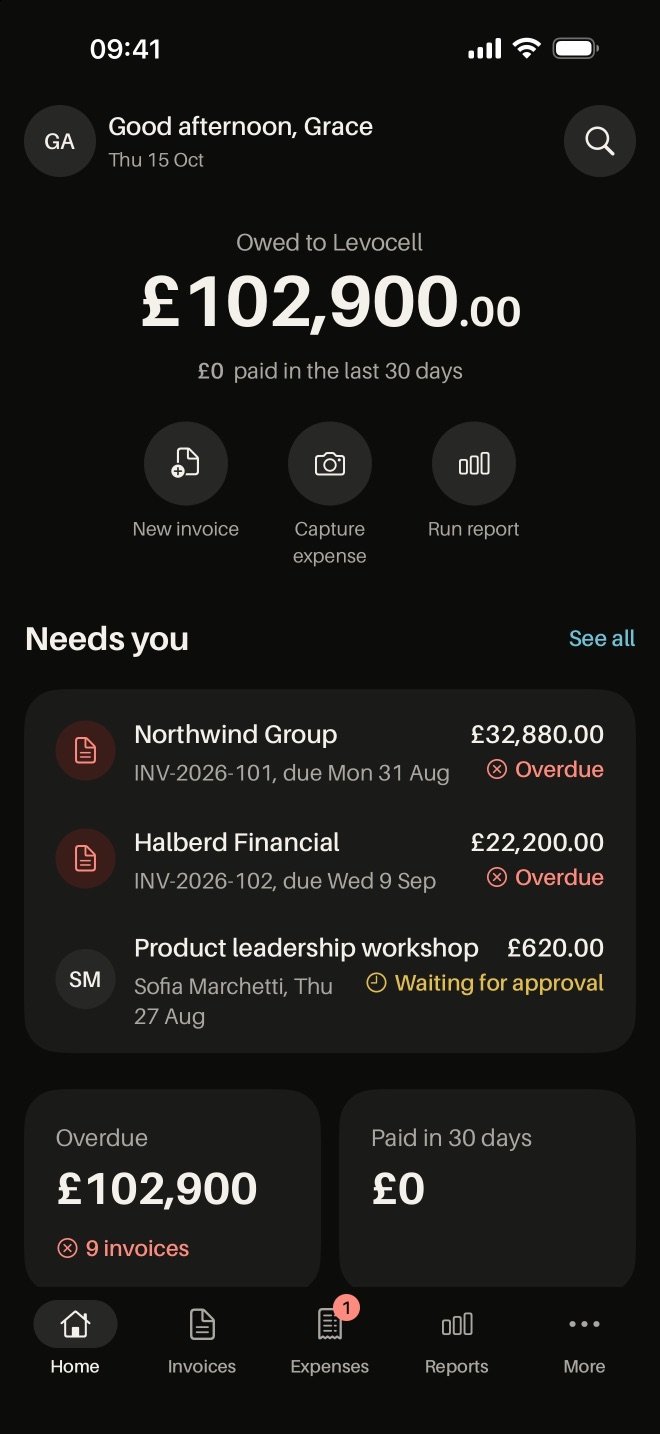
See what is owed, what is overdue and what needs you, as soon as you open the app.
Phone app
Invoices, expenses and approvals. See what is owed and what is overdue, raise an invoice, approve a claim and read the reports.
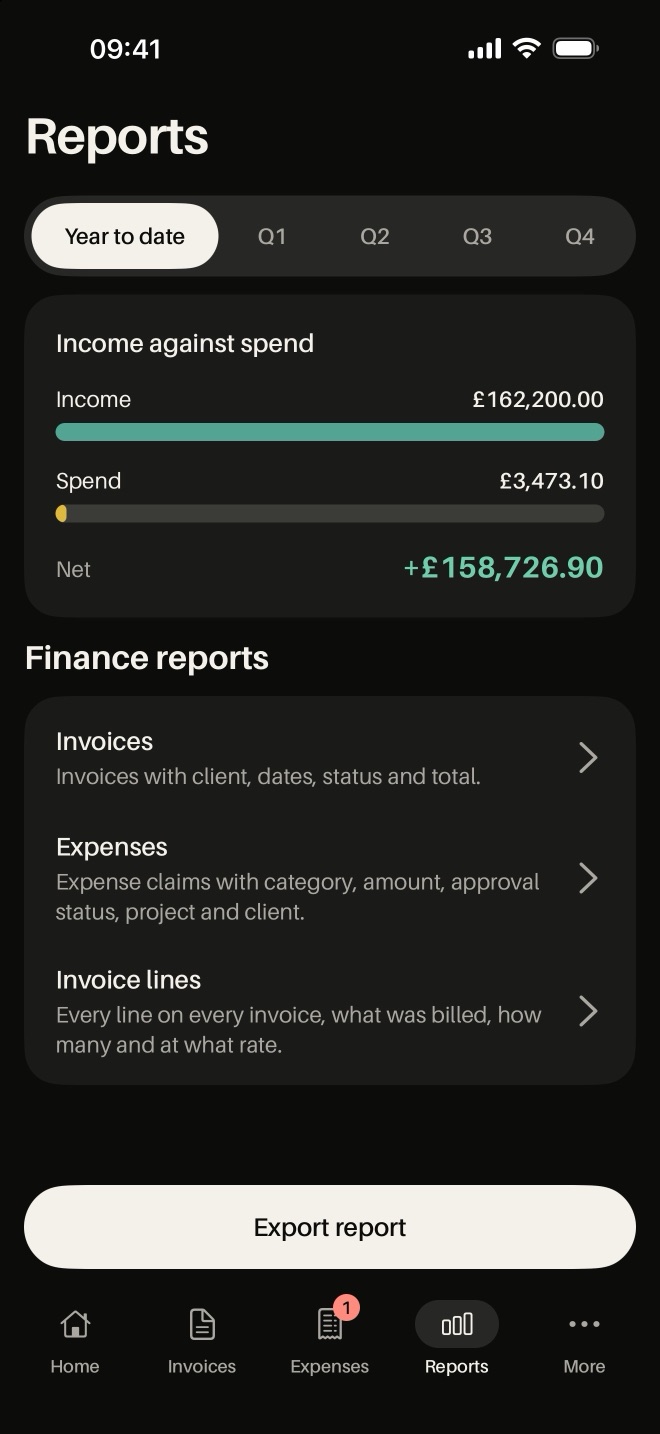
Lev Finance shows what is owed, what is overdue and what needs your sign-off, on a dark ink interface.
See what is owed, what is overdue and what needs you, as soon as you open the app.
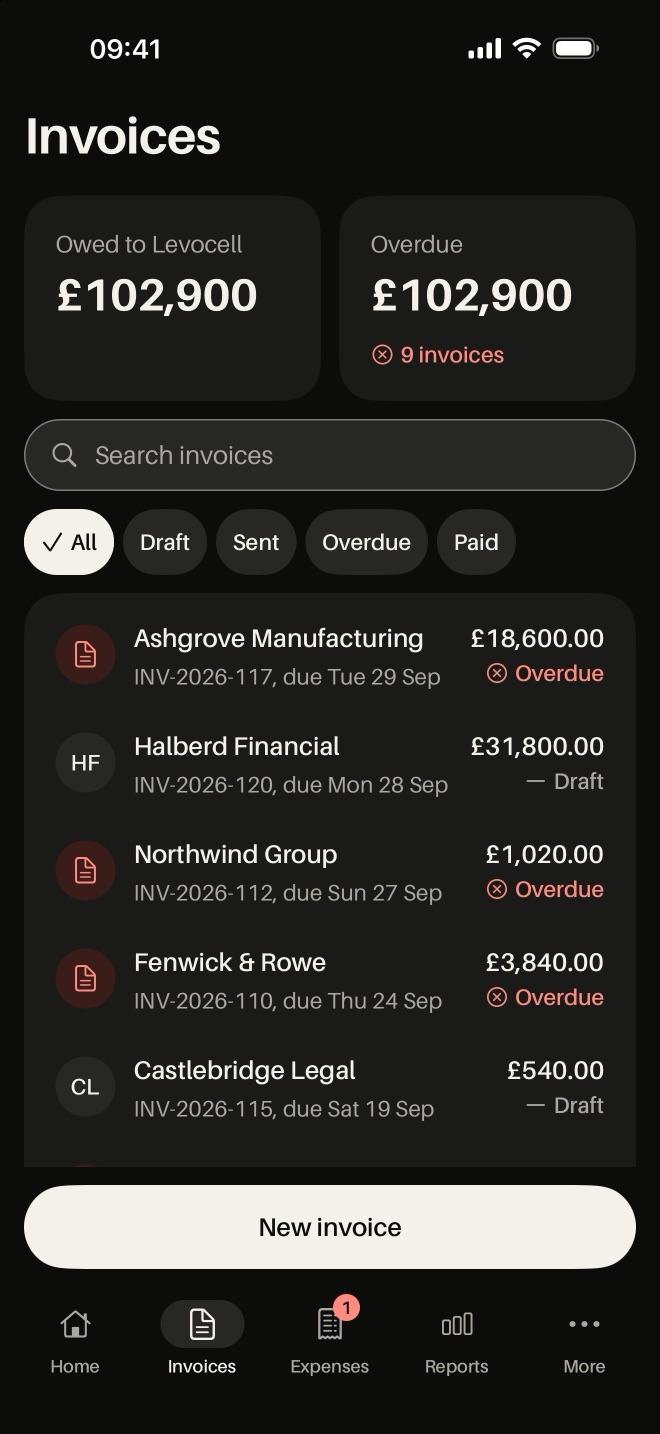
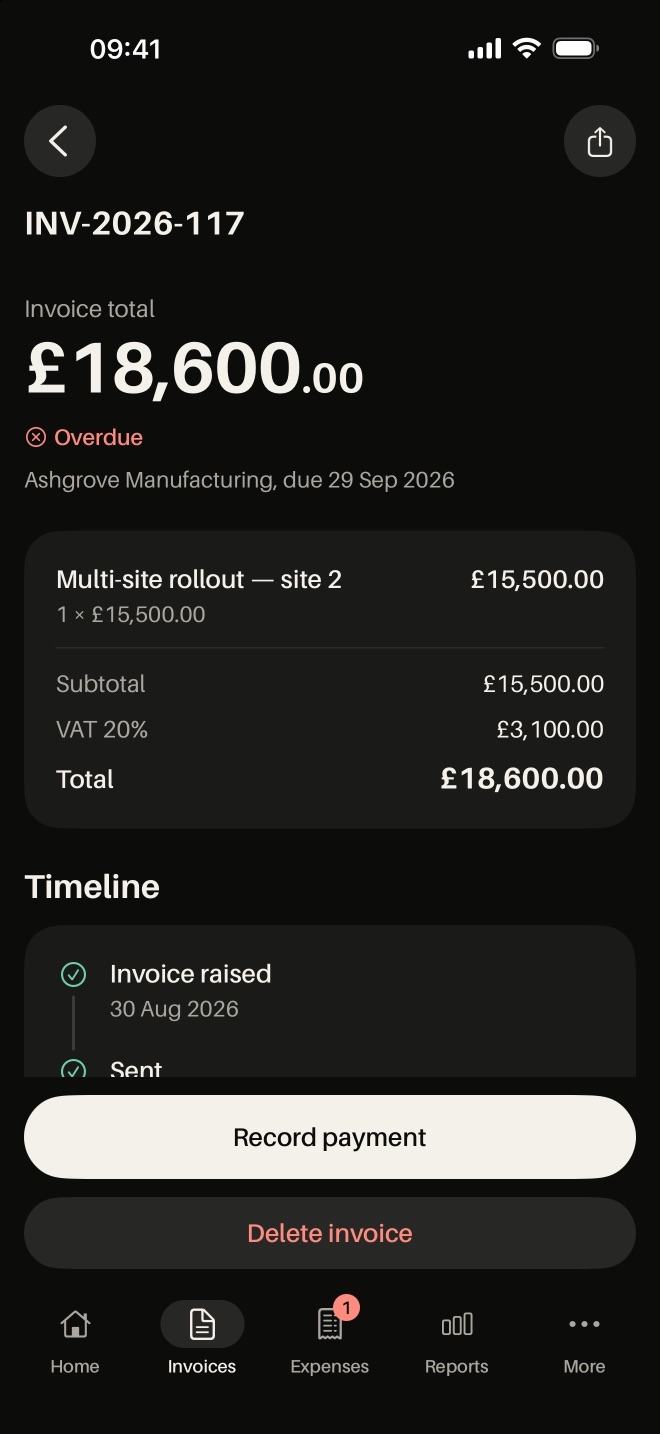
Every invoice and its status: draft, sent, overdue or paid.
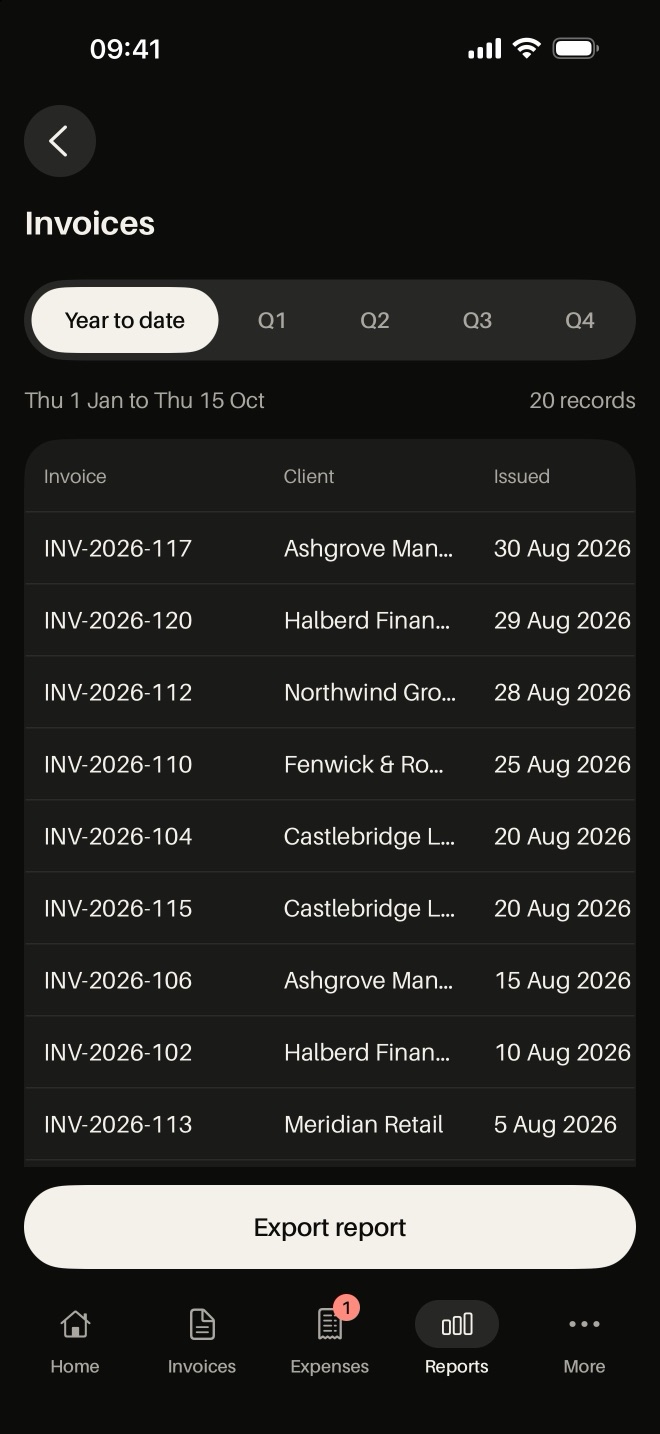
Income against spend, with reports you can export.
Create and send an invoice from your phone.
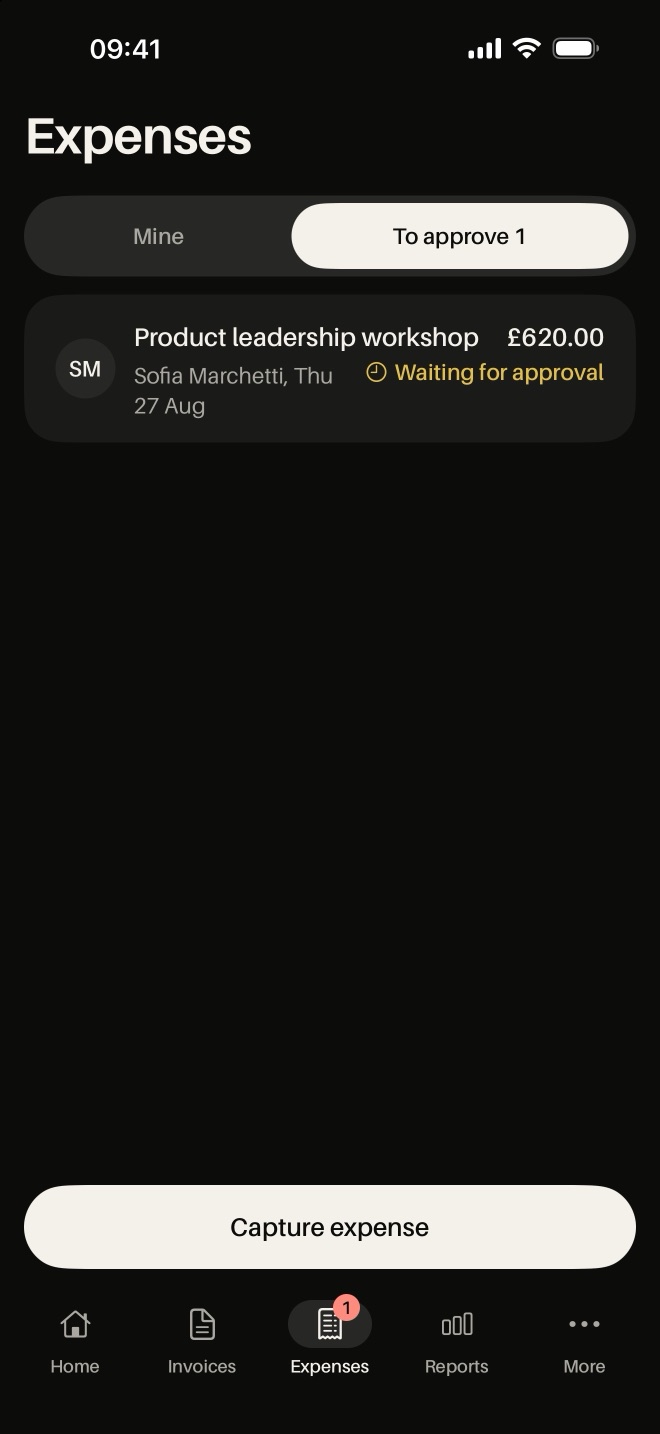
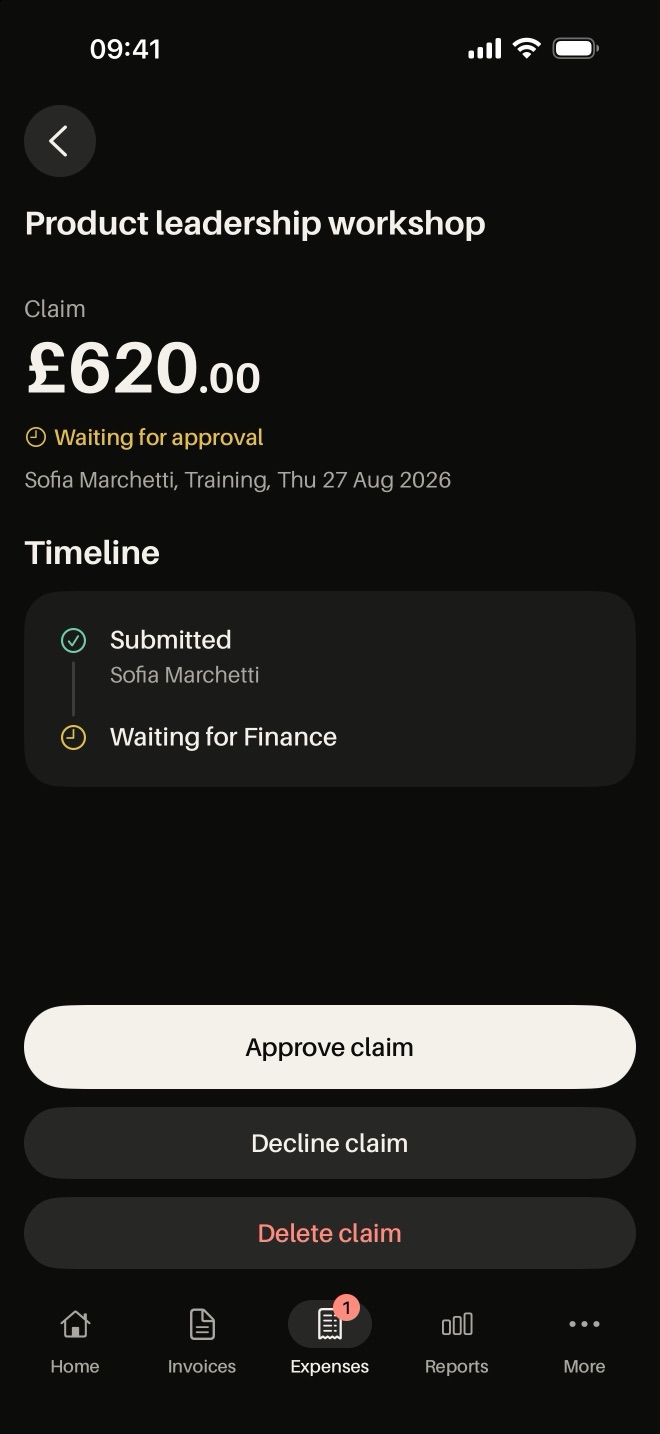
Approve team expense claims with the receipt photo attached.
A dark theme that is easy to read at a glance.
The everyday problems Lev Finance is built to fix.
Which invoices are overdue?
Overdue invoices are flagged on the home screen.
My expense claim is still waiting.
Managers approve claims from their phone, receipt and all.
How are we doing this month?
Income and spend reports, ready whenever you need them.
Real screens from Lev Finance. Scroll sideways to see them all.
Use Lev Finance on its own, or get the whole of Lev Orbit for less per app.
£X.XXper user, per month, plus VAT
Everything in Lev Finance, with sign-in and permissions managed in Lev Workforce.
From £3.99 per user, per month, plus VAT for 25 users or more. £4.99 for teams of up to 24.
Anything else, talk to us, or see the main FAQ.
It is on its way to the App Store and Google Play. Until then, every feature is available in Lev Workforce in your browser.
No. Everyone signs in with their Lev Workforce login, and the permissions you set there follow them into the app.
The people you give permission to in Lev Workforce.
Staff claim expenses in Lev HR with a photo of the receipt. Lev Finance is where they are approved.
 Lev Workforce
 Lev HR
 Lev CRM
 Lev IMS