Clock in
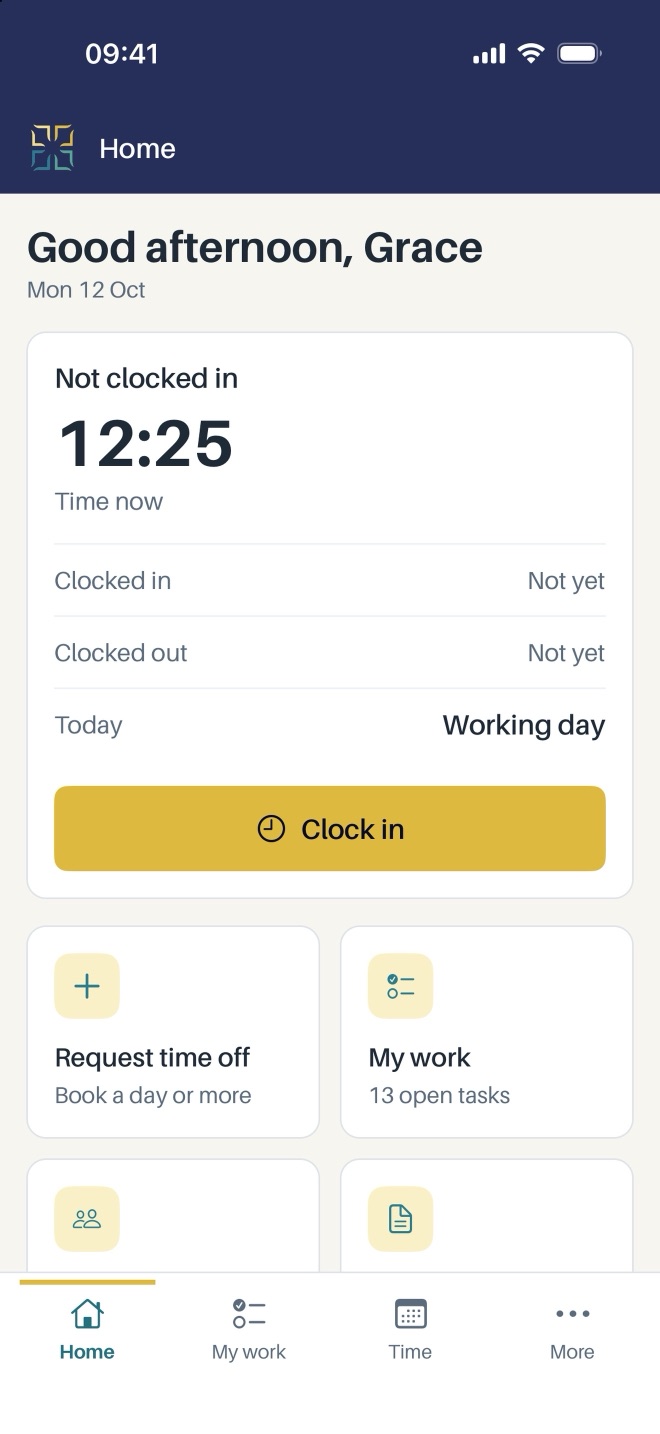
Clock in and out with one tap, with breaks. Set an office network rule and staff can only clock in from the office.
Phone app for iOS and Android
Your working day in your pocket. Clock in, see your tasks, book time off, find a colleague, open your files and claim expenses with photos of receipts.
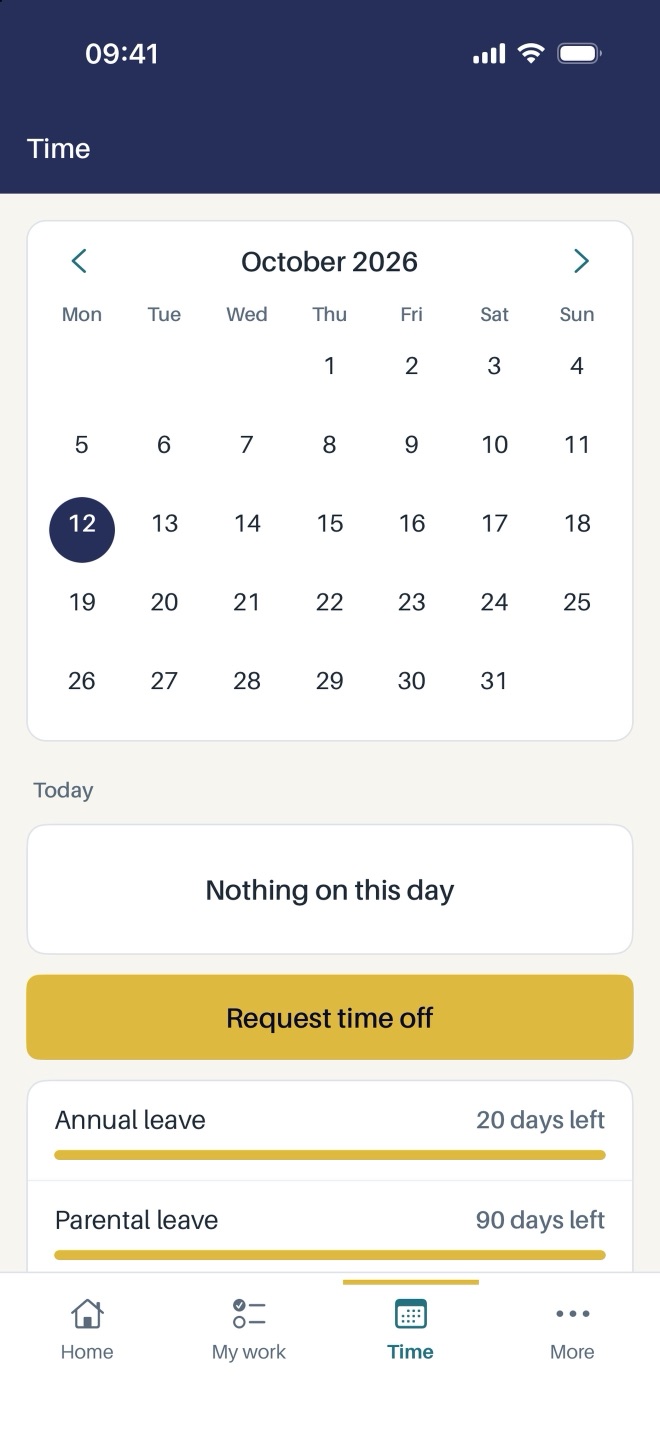
Lev HR puts the parts of Lev Workforce that staff use every day on their phone.
Clock in and out with one tap, with breaks. Set an office network rule and staff can only clock in from the office.
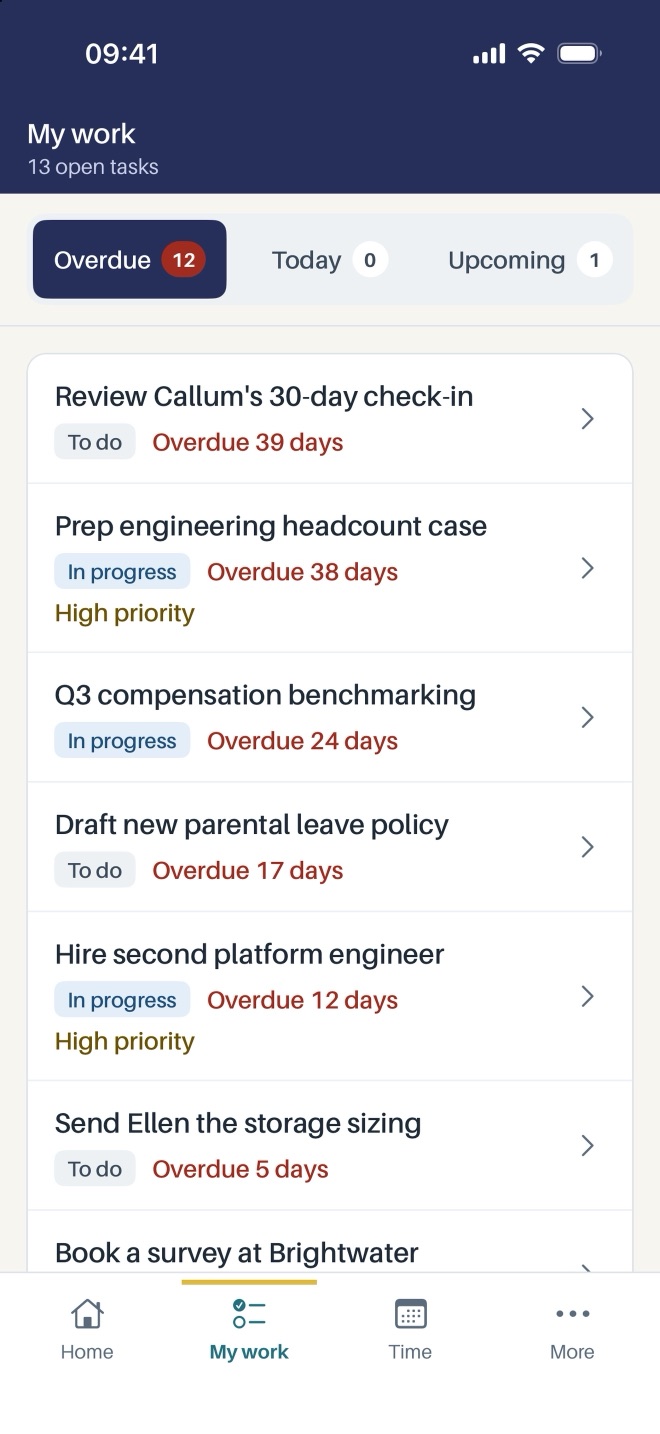
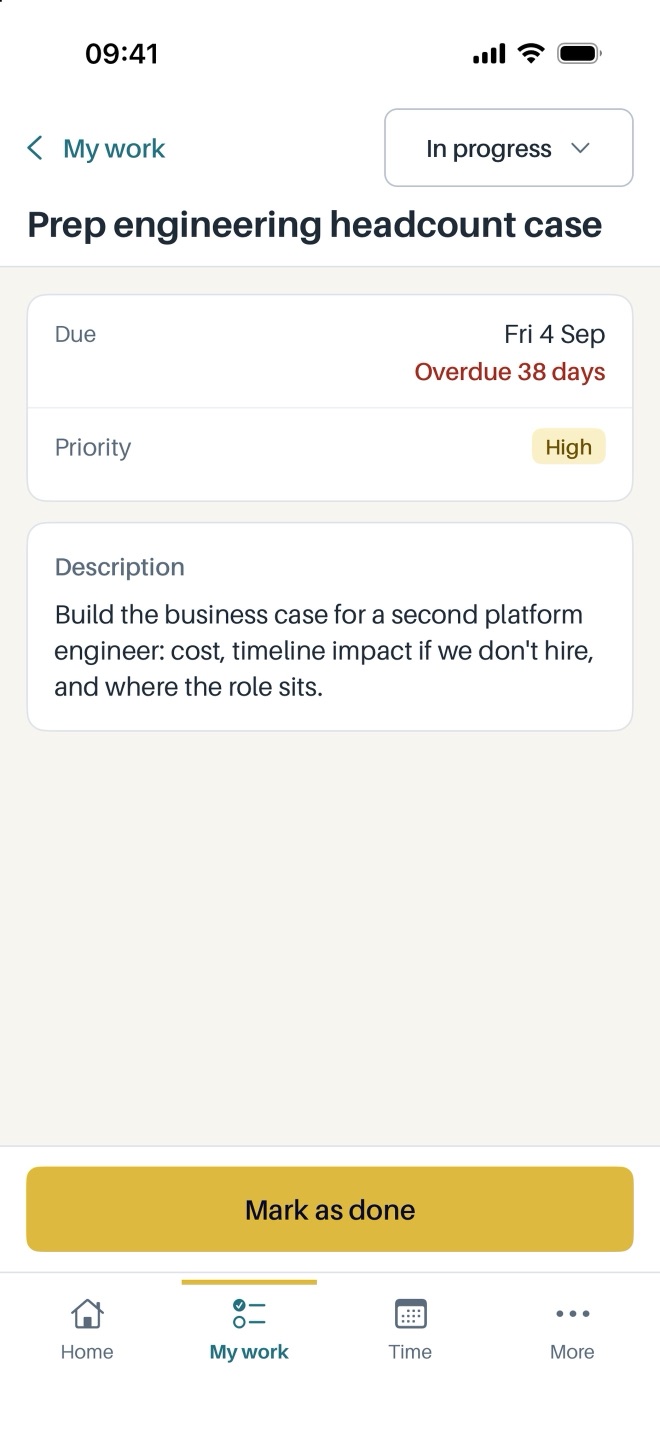
Tasks and projects in one list, with checklists, comments and attachments.
Book a day or a half day, see what is left of your allowance and check the company calendar.
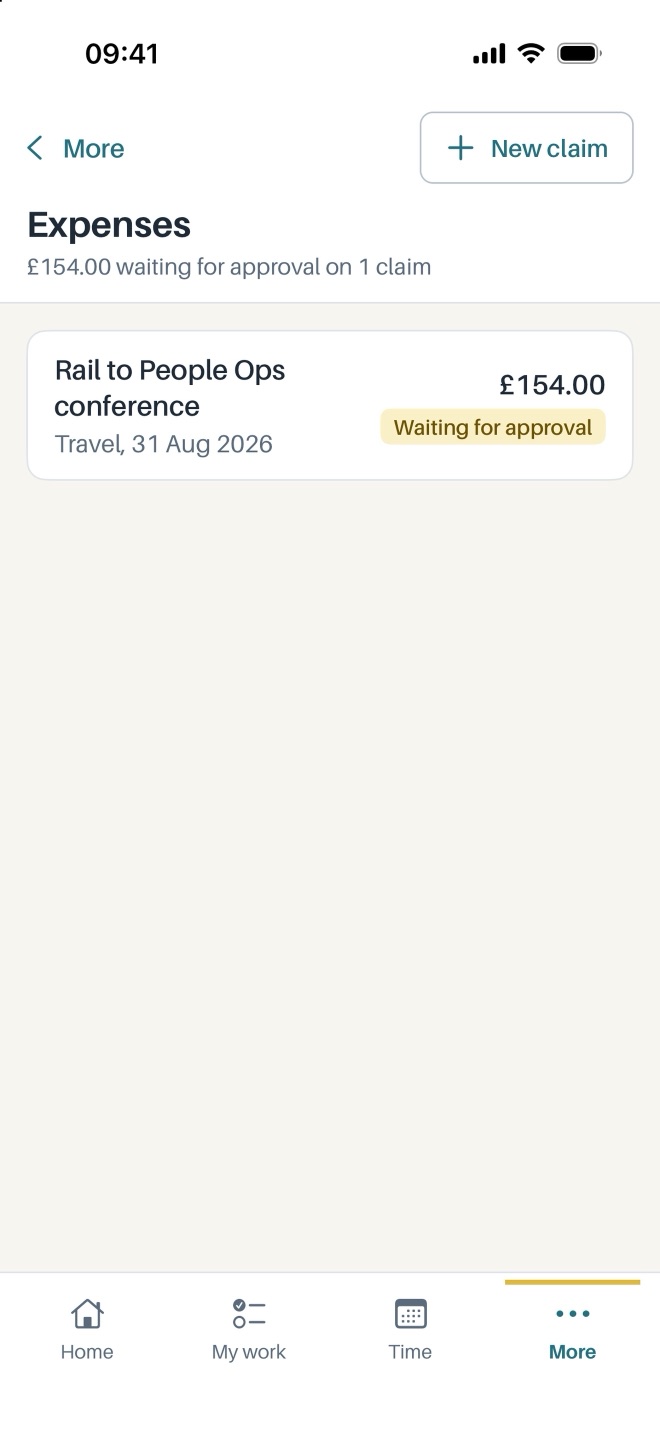
Take a photo of the receipt and send the claim for approval, all from your phone.
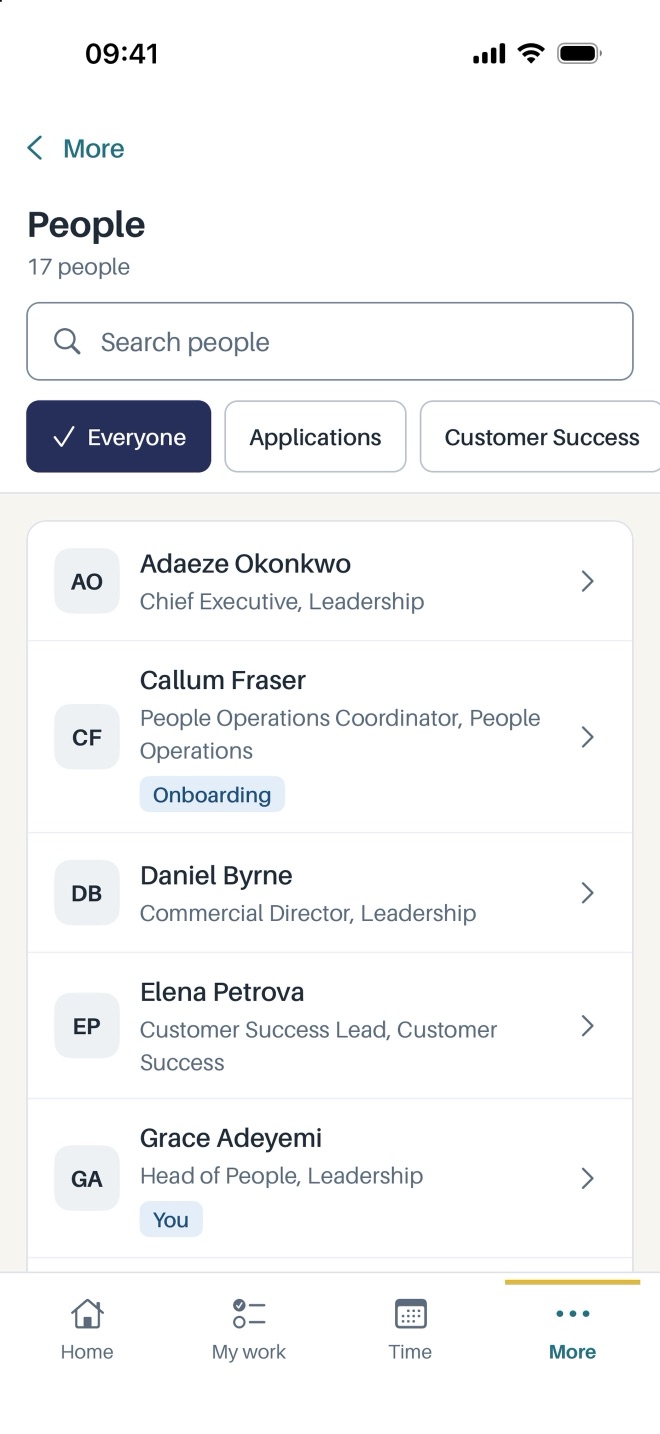
Find a colleague and see their team and manager.
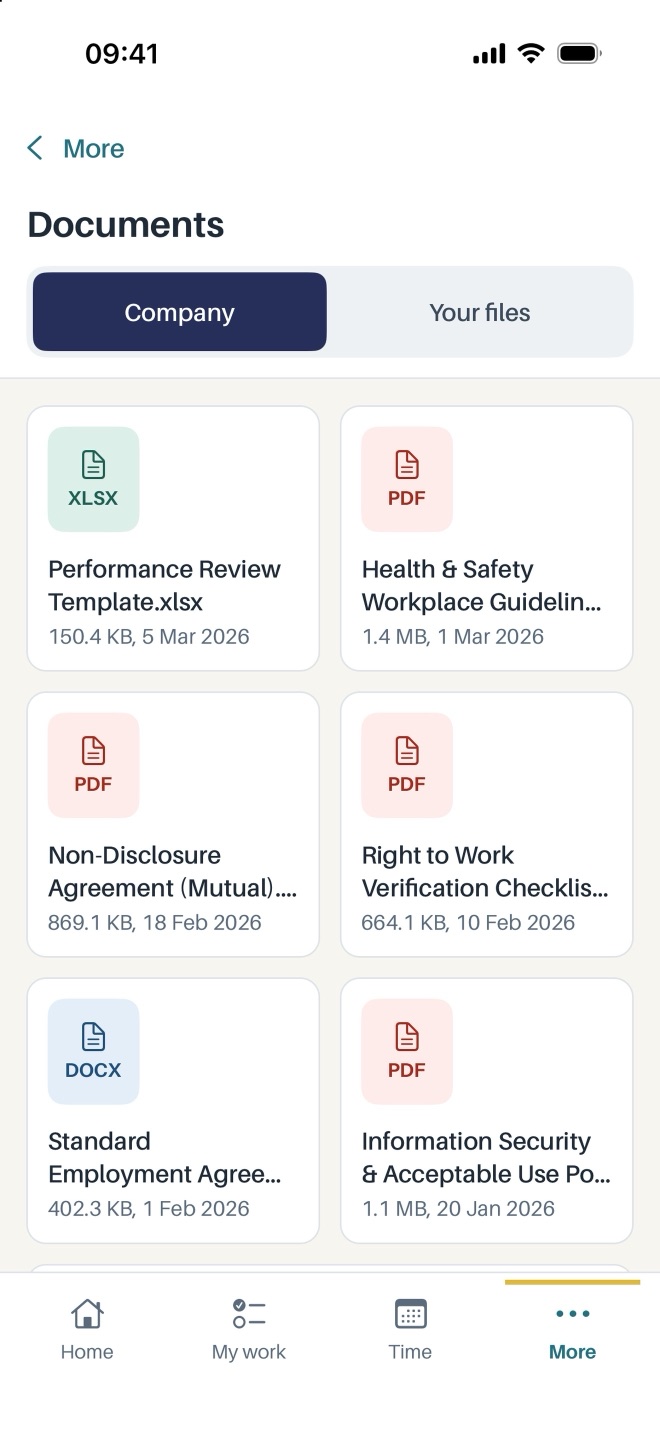
Open the files shared with you and your own private HR file.
The everyday problems Lev HR is built to fix.
Who is actually in today?
Every clock-in and clock-out lands in Lev Workforce straight away.
How many days off have I got left?
Staff see their own allowance and book time off without asking HR.
I have lost the receipt.
Snap the receipt on the spot and the claim is ready to send.
Real screens from Lev HR. Scroll sideways to see them all.
Use Lev HR on its own, or get the whole of Lev Orbit for less per app.
£X.XXper user, per month, plus VAT
Everything in Lev HR, with sign-in and permissions managed in Lev Workforce.
From £3.99 per user, per month, plus VAT for 25 users or more. £4.99 for teams of up to 24.
Anything else, talk to us, or see the main FAQ.
It is on its way to the App Store and Google Play. Until then, every feature is available in Lev Workforce in your browser.
No. Everyone signs in with their Lev Workforce login, and the permissions you set there follow them into the app.
Yes. Add your office's IP addresses in Lev Workforce and staff can only clock in from there. Leave it empty and they can clock in anywhere.
Only you and your admins.
 Lev Workforce
 Lev CRM
 Lev Finance
 Lev IMS